
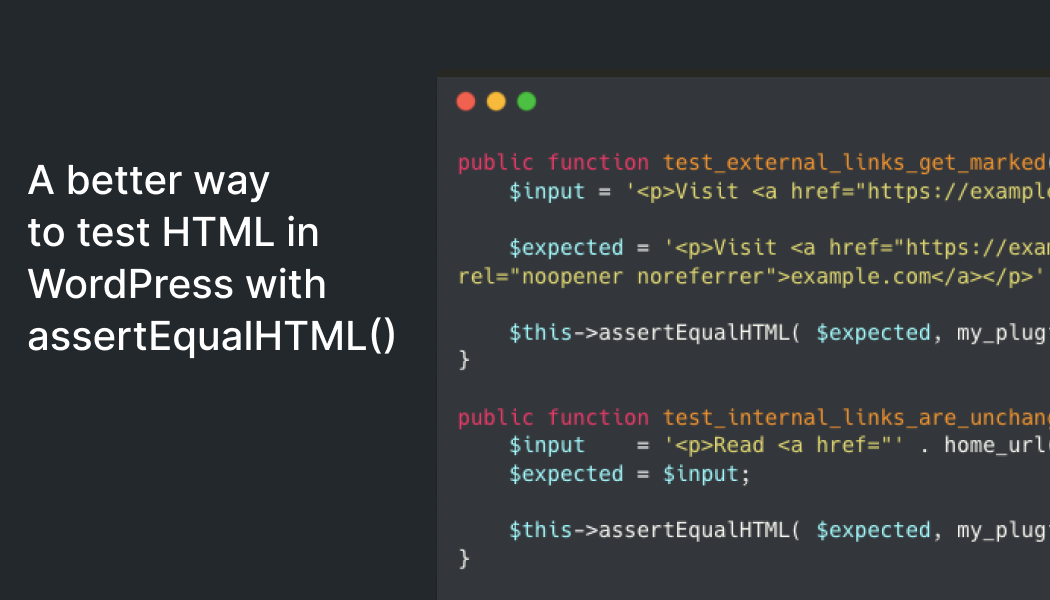
A better way to test WordPress HTML with assertEqualHTML()
Why traditional HTML assertions break so easily
If you have written tests for a WordPress plugin that outputs HTML, you have probably seen this already: the test passes locally, then fails in CI or after a minor update even though the browser output looks identical. Attribute order, class order, style whitespace, or different HTML entity forms can create text differences without changing the rendered result.
The new assertEqualHTML() method in WordPress 6.9 compares HTML semantically instead of treating it as a raw string. That makes it useful for block render callbacks, shortcodes, content filters, and transformations built with the HTML API. For small teams, agencies, and freelancers running projects on shared hosting, Plesk, cPanel, or VPS infrastructure, it means fewer false failures and more confidence during deployment.
What assertEqualHTML() checks and where it helps
- It ignores differences that do not change browser rendering, such as attribute order or class order.
- It tolerates harmless whitespace differences and minor style formatting variations.
- It works well with markup generated through WP_HTML_Tag_Processor and other WordPress HTML transformations.
- It is a strong fit for dynamic blocks, shortcodes, content filters, and injected directives.
- It still catches real issues: missing attributes, wrong values, or genuinely different HTML content.
How to use it in a real MioriticHost workflow
If you build themes or plugins on staging or on a VPS, it is worth replacing fragile assertSame() checks for HTML whenever you only care about semantic output. Keep assertSame() only where exact serialization truly matters, such as strict exports, snapshot-sensitive output, or integrations with parsers that expect a fixed format.
Two practical recommendations. First, run the same test suite both locally and on the PHP version actually used by your hosting account or staging environment. Many teams only verify locally and discover differences after deployment. Second, after updating WordPress core, plugins, or a custom theme, rerun tests for dynamic blocks, content filters, and HTML email templates first, because that is where subtle output changes usually show up. For site owners and admins, the operational takeaway is clear: ask for a separate staging environment, insist on backups before updates, and keep a short post-deploy checklist for what must be validated.
A good HTML test should fail only when the markup is meaningfully different, not when WordPress changes attribute order.
Category: Hosting